Your own server
Navidrome and any Subsonic / OpenSubsonic server. Save several and switch at will.
StepUnder turns the music server you already run into a polished desktop listening experience — no cloud account, no telemetry, no uploads.
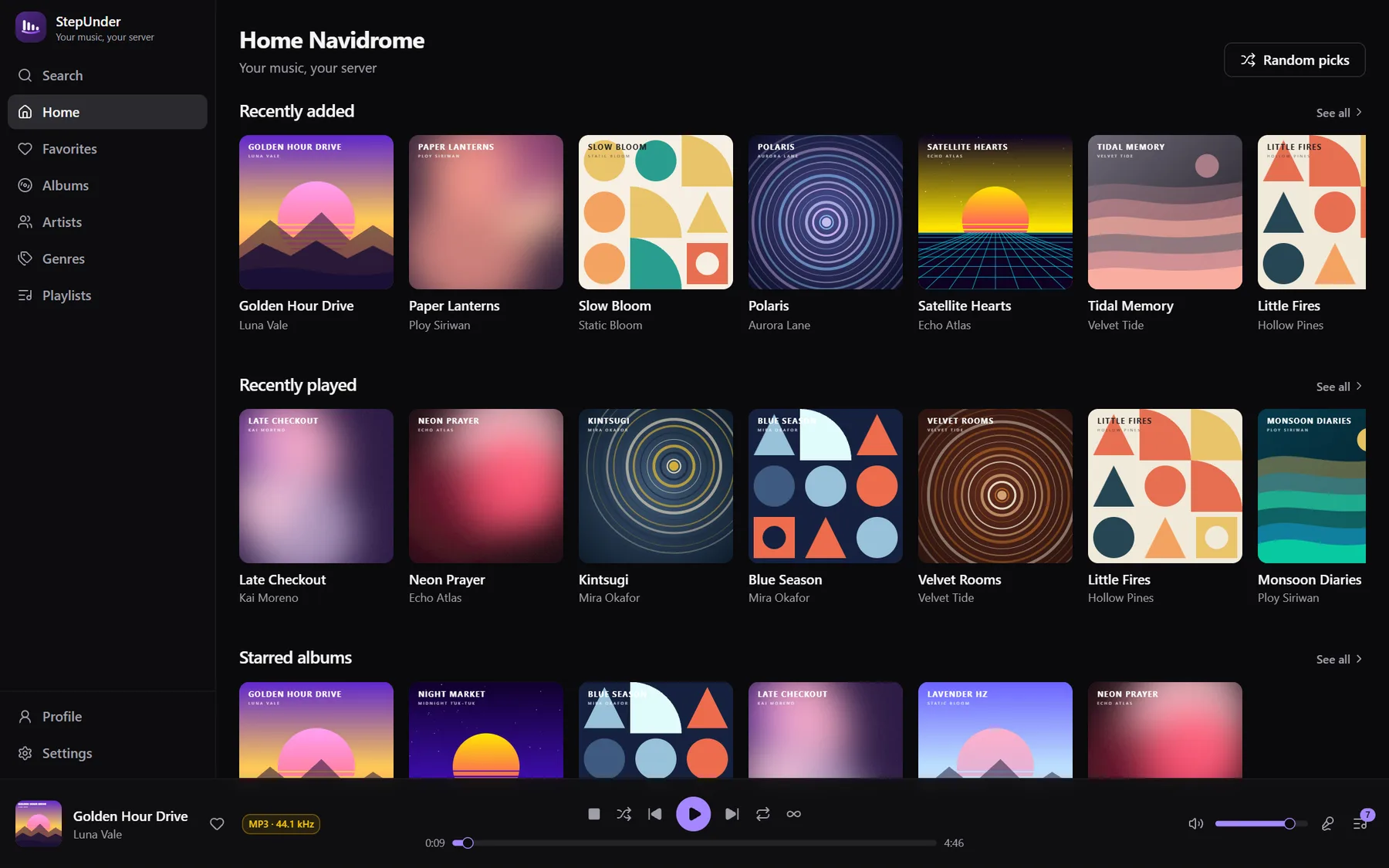
Everything stays between you and your server. Passwords live in your operating system’s credential store — never in a plain settings file.
Features
Navidrome and any Subsonic / OpenSubsonic server. Save several and switch at will.
Start an endless radio of similar songs from any track in your library.
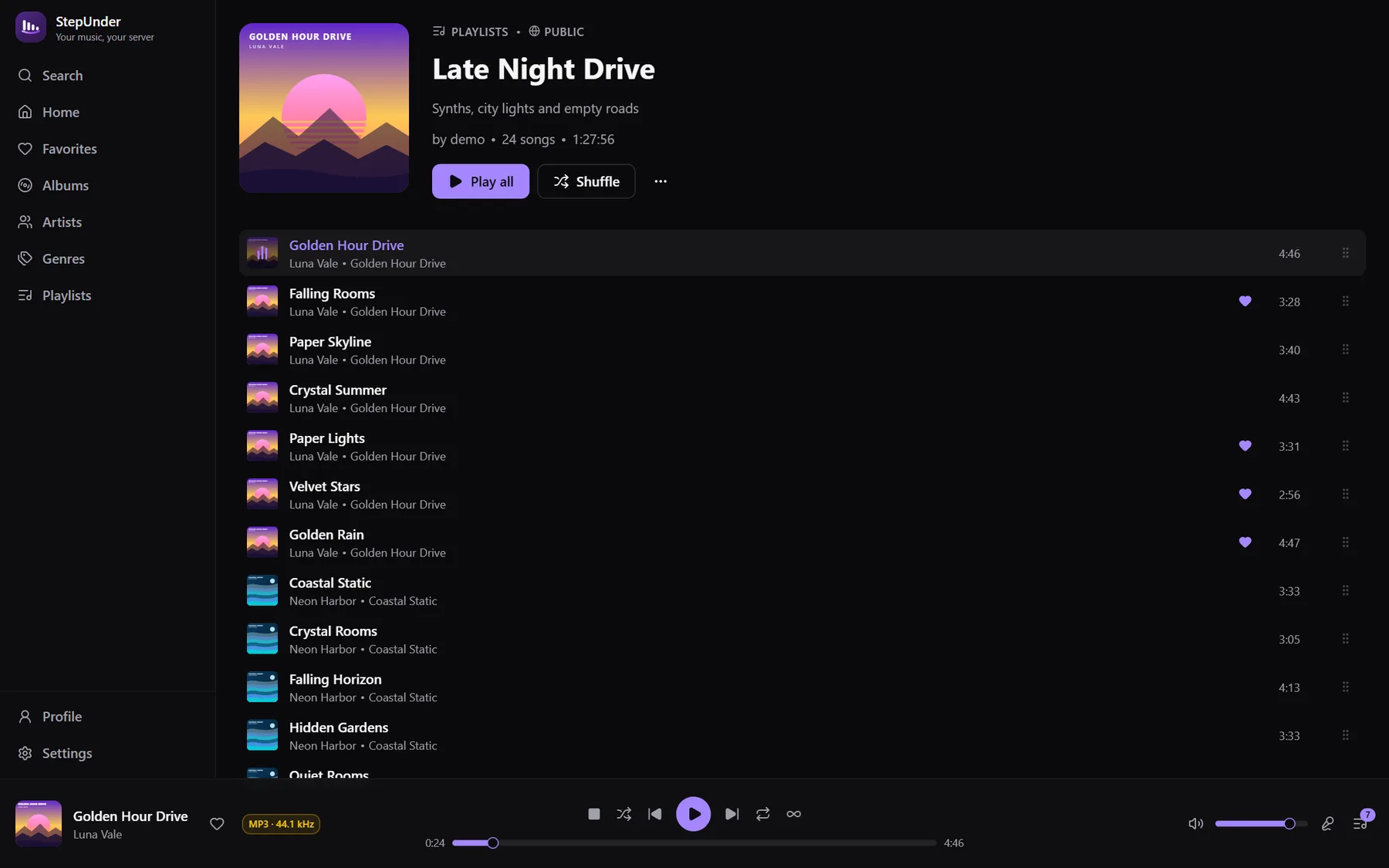
Create, edit, drag to reorder, set custom covers, public or private.
The built-in web player, or the bundled MPV engine for wider format support.
A full-screen Now Playing view with large artwork and auto-scrolling lyrics.
Dark, light or system theme, seven accent colors, Thai or English UI.
Signed in-app updates straight from GitHub Releases, with release notes.
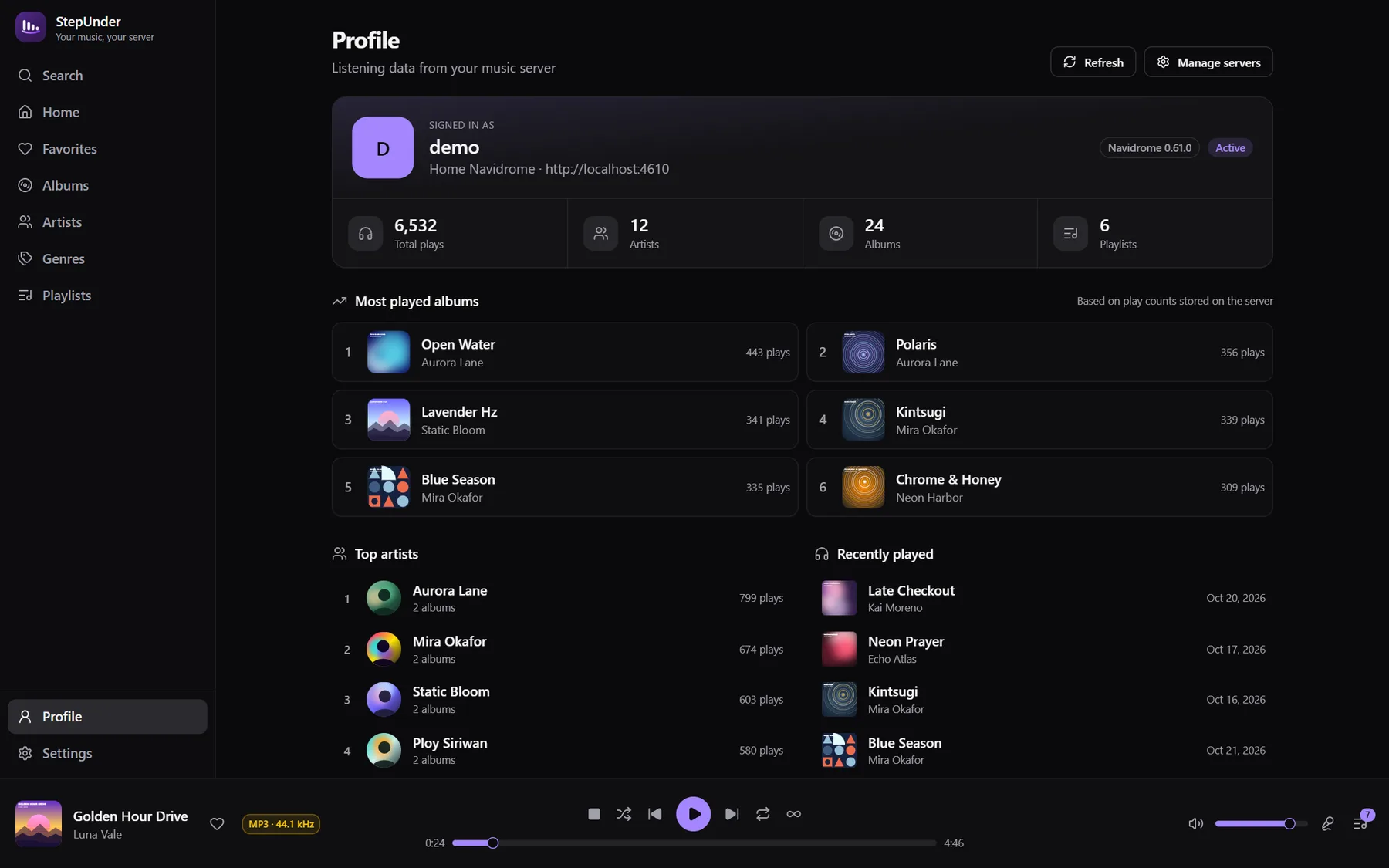
Optionally show what you’re listening to. Scrobbling to your server, too.
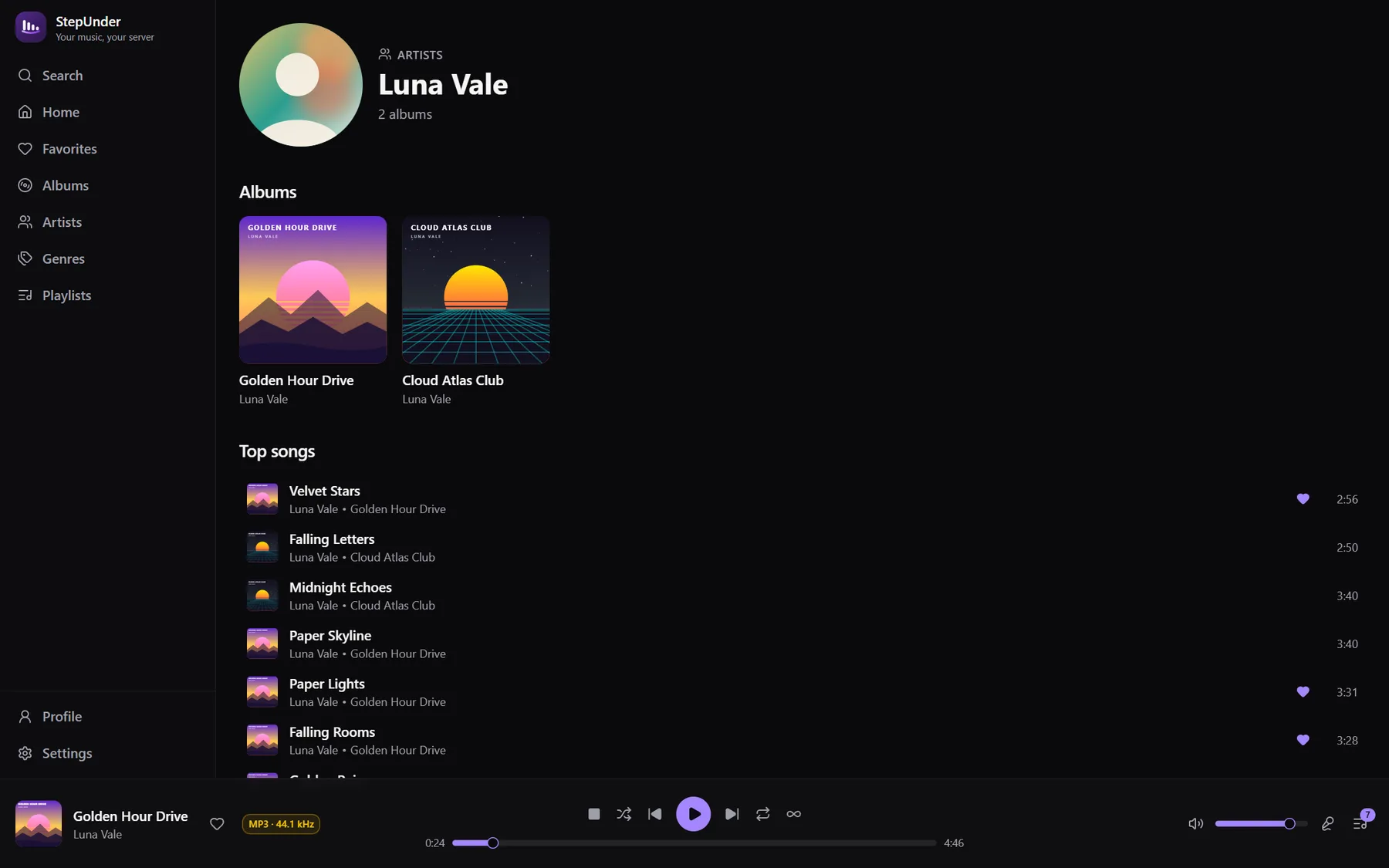
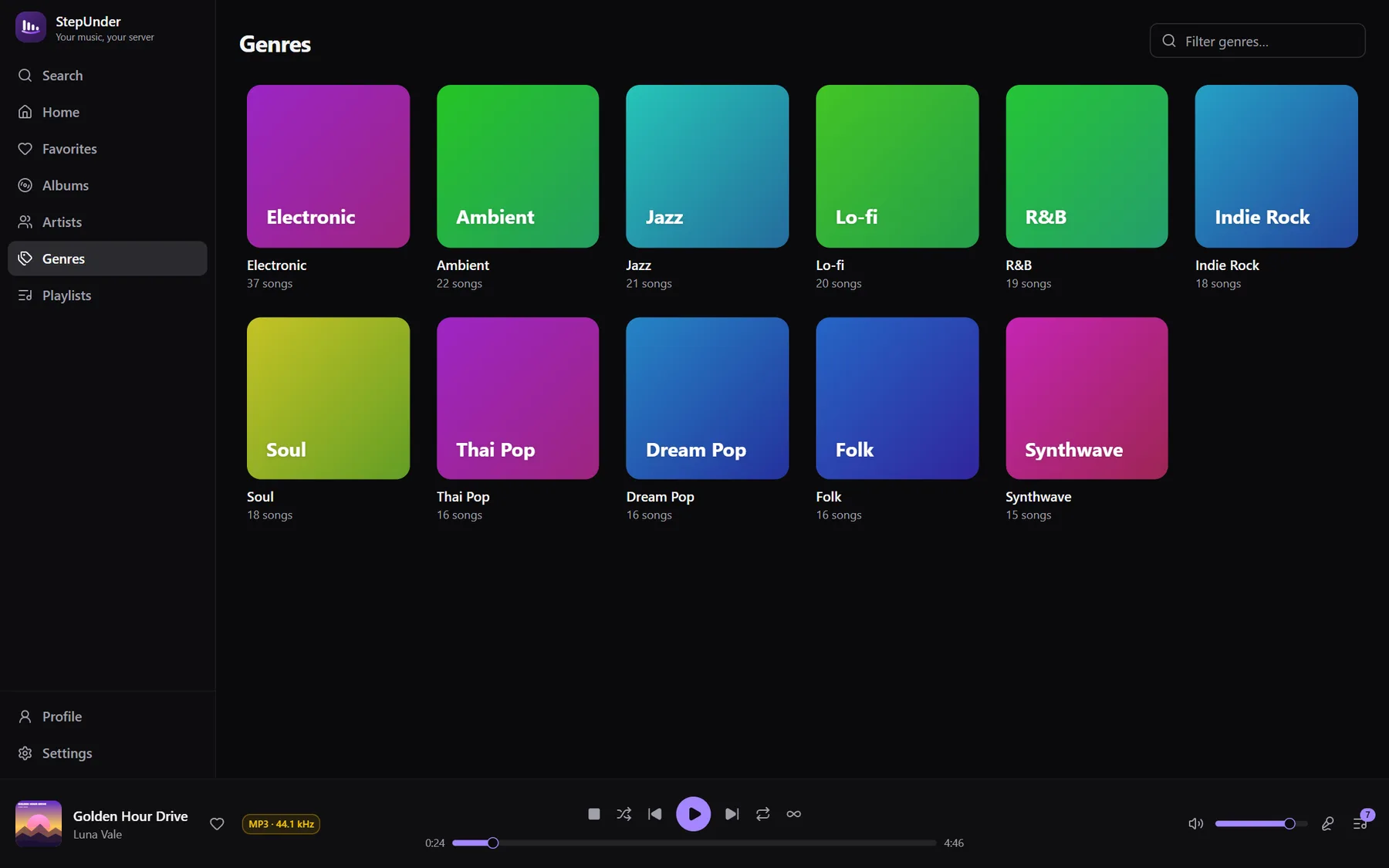
Showcase
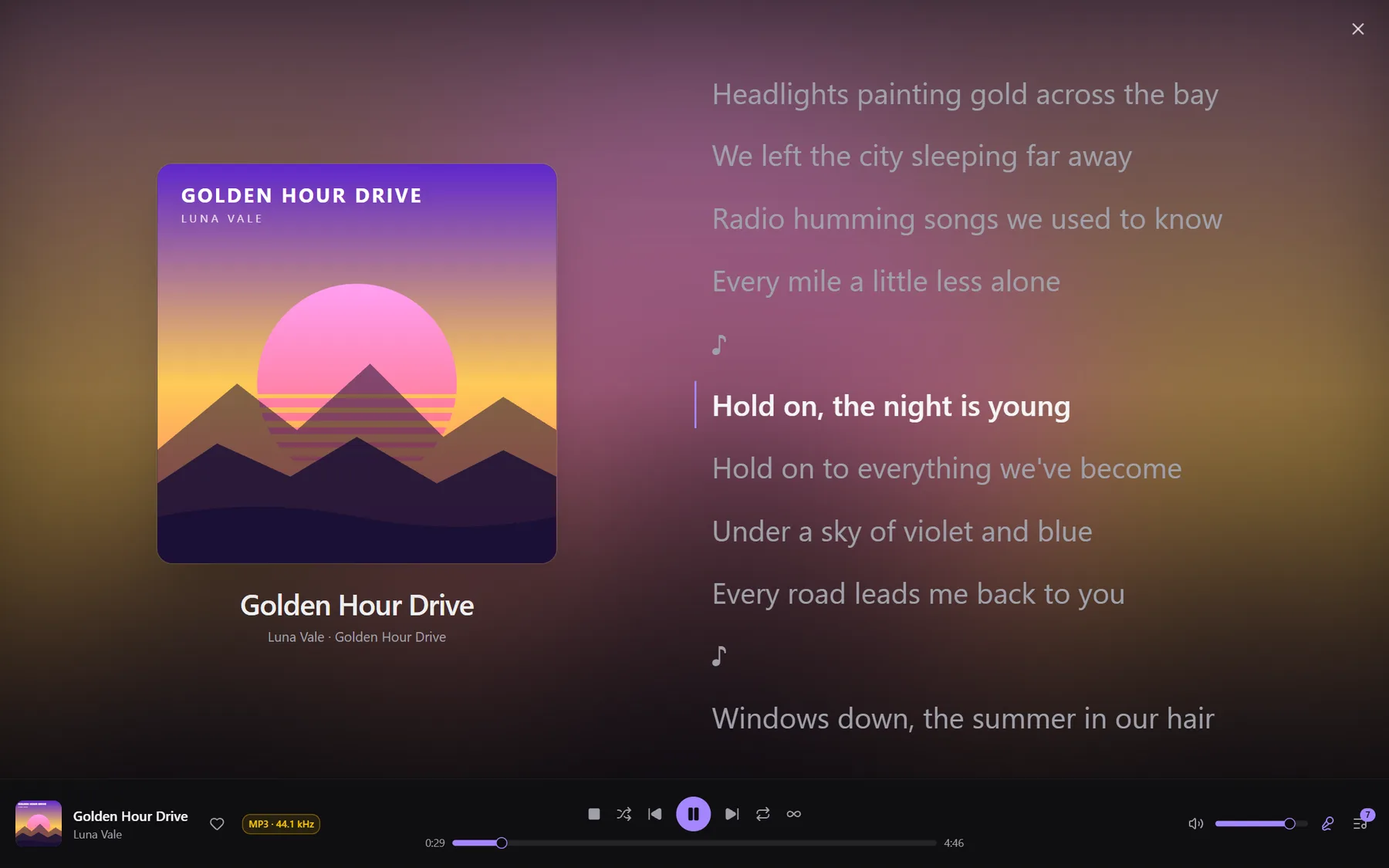
Now Playing
Full-screen artwork with synced lyrics
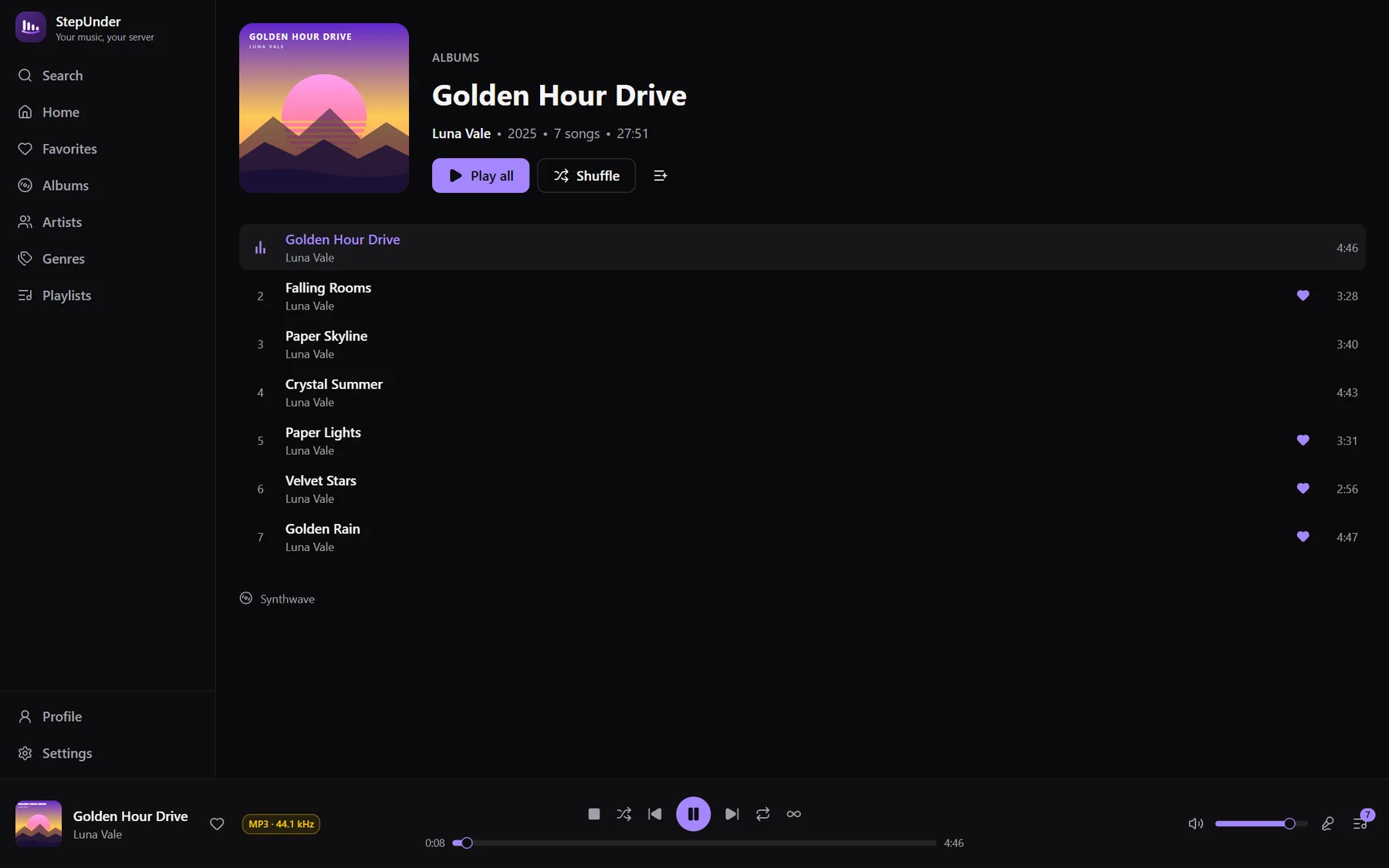
Album
Screenshots use demo data with generated artwork.
Keyboard
Install
Grab the latest installer from the Releases page.
Run the setup and launch StepUnder.
Enter your server URL, username and password — and start listening.
Windows · x64
After that, StepUnder keeps itself up to date automatically.